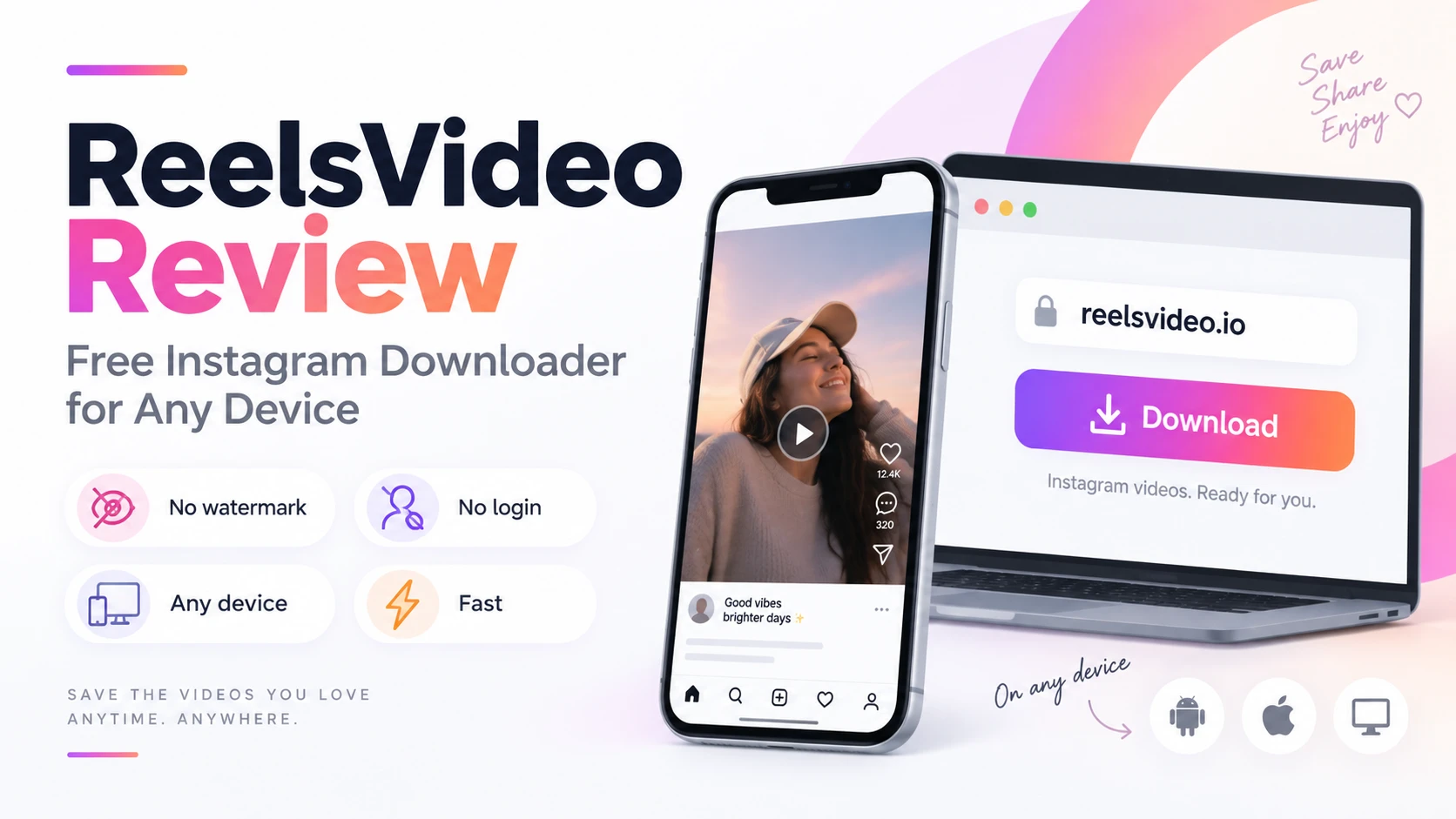
ReelsVideo is a browser-based Instagram downloader that covers all public content types — videos, Reels, IGTV, Stories, photos, carousels, and MP3 audio extraction — without requiring any installation or account. The tool is available at reelsvideo.io and works on Android, iPhone, and desktop. This review covers what it does well, what its limitations are, and how it compares to the alternatives, so you can decide whether ReelsVideo is the right tool for your use case.
At a Glance
|
Feature |
Detail |
| Supported content | Videos, Reels, IGTV, Stories in Highlights, photos, carousels, MP3 audio extraction |
| Installation required | None — works directly in any browser |
| Account required | No — no Instagram login, no site registration |
| Output format | MP4 for video, JPG for photos, MP3 for audio |
| Watermark on output | None — delivers the original stored file |
| Works on | Android, iPhone, Windows, Mac — any device with a browser |
| Price | Free |
What ReelsVideo Does Well
No watermark on output. ReelsVideo retrieves the original MP4 file stored on Instagram’s servers without re-encoding it. The result is a clean file — no logo, no username overlay, no branding added by the tool.
Works on every device. Browser-based means it runs identically on Android, iPhone, Windows, and Mac. No separate app, no platform-specific version to install.
Covers all content types. Videos, Reels, IGTV, Stories in Highlights, photos, and MP3 audio from any video — all handled from the same interface with the same paste-and-download process.
No login of any kind. No Instagram credentials, no site registration, no email verification. The only input required is the public post link.
Fast. The downloader fetches the already-encoded file from Instagram’s CDN — processing speed depends on connection speed, not video length. Most downloads complete in under 30 seconds.
Limitations
- Private accounts are not supported — content from private profiles isn’t publicly served and no legitimate tool can access it without your credentials.
- Quality ceiling is Instagram’s own — ReelsVideo delivers the best available version Instagram stores, which is typically HD 720p or 1080p. It cannot deliver 4K because Instagram doesn’t store content above 1080p.
- Ad-supported — the site runs ads to remain free. An ad blocker like uBlock Origin improves the experience on cluttered connections.
How to Use ReelsVideo — Step by Step
Open reelsvideo.io in any browser.
- Open Instagram and find the video, photo, or Reel you want to save.
- Tap the three dots (••• on iPhone, ⋮ on Android) on the post.
- Select Copy link.
- Go to reelsvideo.io and paste the link in the input field.
- Tap Download — the file saves to your device in the original quality.
On Android
Chrome handles the download automatically. The file goes to Downloads and appears in Gallery without extra steps.
On iPhone
Safari may play the video instead of saving. Fix: tap and hold the video → Download Linked File → file goes to Files → Downloads. Move to Photos via Share → Save Video.
On PC or Mac
Same process — paste the link, click Download. If the video opens in the browser, right-click → Save video as.
How Does It Compare to Alternatives?
For casual single downloads on any device, ReelsVideo is among the faster and cleaner browser-based options — straightforward interface, no login friction, consistent output. Tools like 4K Stogram offer more features (batch downloads, profile tracking, private account access via your own login) but require installation and an Instagram account. For most users who want to save an occasional video without installing anything, ReelsVideo is well-suited.
Frequently Asked Questions
Is ReelsVideo free with no hidden costs?
Yes. No subscription, no account, no download limits. The site is funded by advertising.
Will the creator know I used ReelsVideo to save their content?
No. Instagram doesn’t notify creators about downloads made through external tools.
Does ReelsVideo store downloaded videos on its servers?
No. The file is delivered directly to your browser — ReelsVideo acts as an intermediary that facilitates the download, not a storage service.
Clean, Fast, No Login
For saving public Instagram content to any device without installing anything or handing over credentials, ReelsVideo delivers what it promises — original quality, no watermark, under 30 seconds. The one-step process (paste link → download) covers videos, Reels, photos, and audio from a single interface, free and without registration.